Control native Odoo buttons
Users still click the original Confirm, Send, Publish, or other business buttons. The system checks approval first, then continues the original Odoo method after approval.
Odoo Approval Workflow
MT Approval Workflow runs inside Odoo. It does not create a separate approval portal. Instead, it adds approval, handling, notification, tracking, and operational control around native Odoo business actions.
Product Positioning
The product brings workflow control to real Odoo documents and their critical actions: configurable processes, traceable approvals, easier troubleshooting, and the same familiar Odoo user flow.
Users still click the original Confirm, Send, Publish, or other business buttons. The system checks approval first, then continues the original Odoo method after approval.
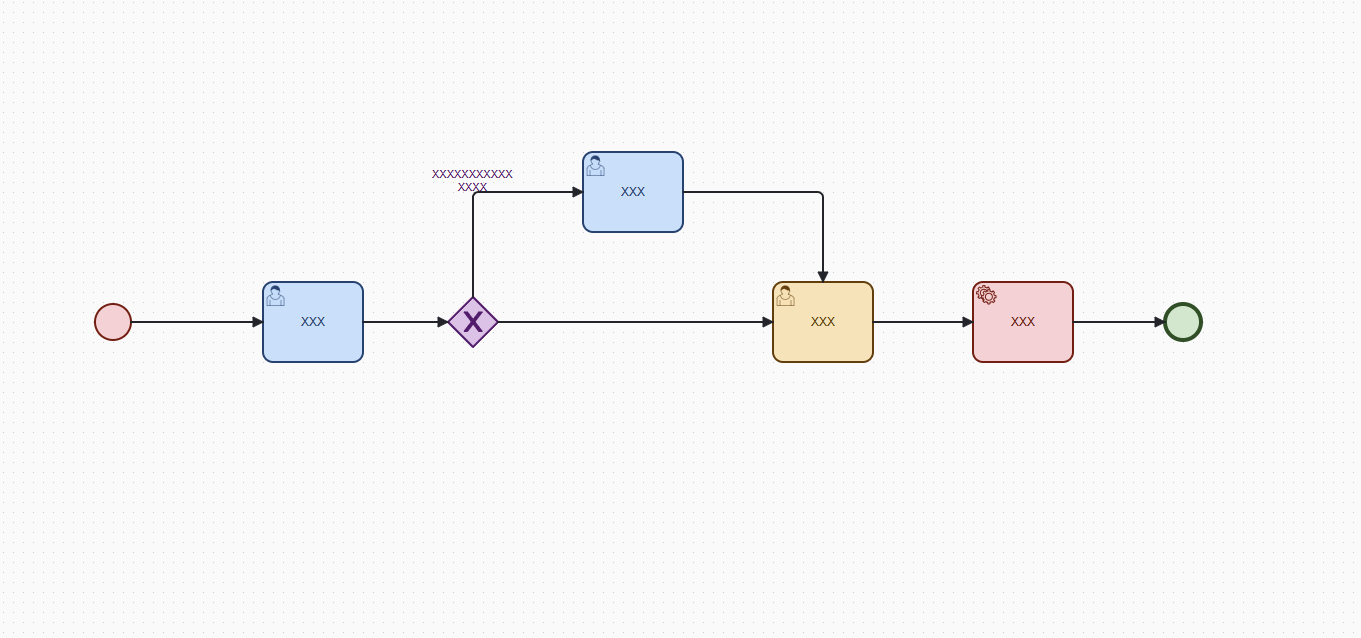
Model approval, handling, CC, branching, parallel flows, countersign, add approver, transfer, timeout reminders, and notifications as visible workflow rules.
Workflow instances, tasks, histories, notifications, snapshots, and execution results stay in Odoo for tracking, troubleshooting, and operations.
Inside Odoo
When a business button is clicked, the system checks whether approval is required. Users handle tasks in the approval center, while administrators can inspect workflow instances, operation logs, reminder status, and exceptions.
Use Cases
Approval logic written directly in button methods is fast at first, but hard to maintain later. MT Approval Workflow makes those rules explicit so definitions, tasks, and operations become manageable system capabilities.
Documentation Map
The product introduction explains why the product binds to native Odoo buttons.
The administrator guide covers installation, permissions, workflow definitions, button binding, instances, and troubleshooting.
The BPMN designer guide explains nodes, assignees, notifications, and timeout reminders.
Manual Structure
Start Reading
This site has one job: explain MT Approval Workflow clearly and make the user manuals easy to reach.
Open product introduction