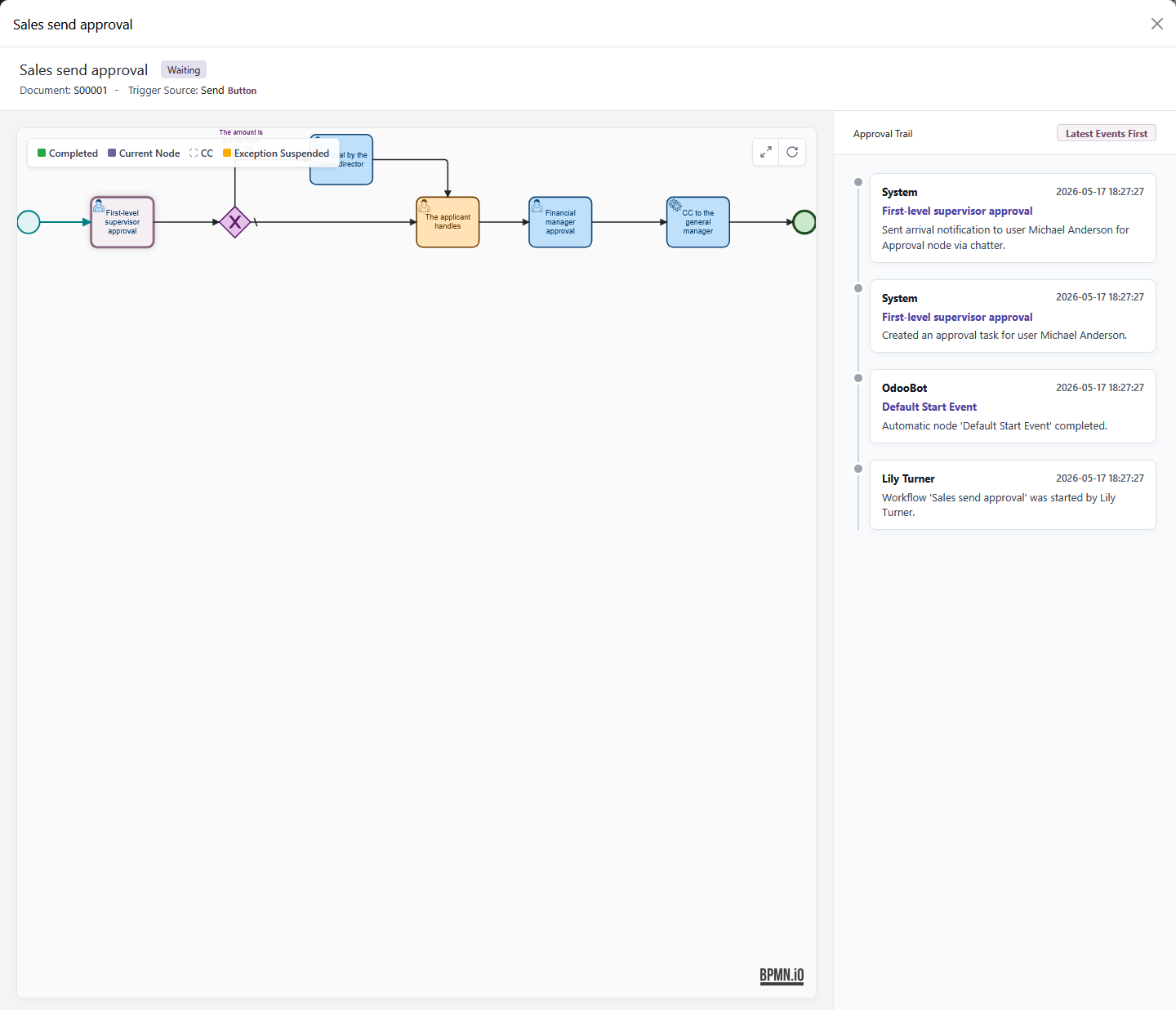
Mobile
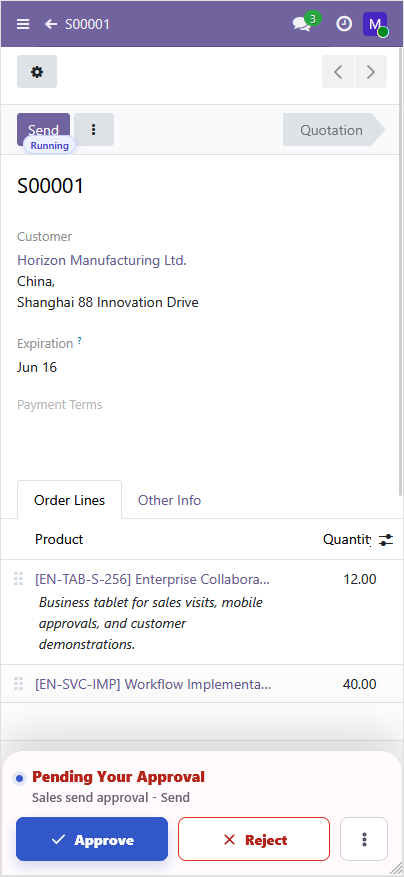
Buttons

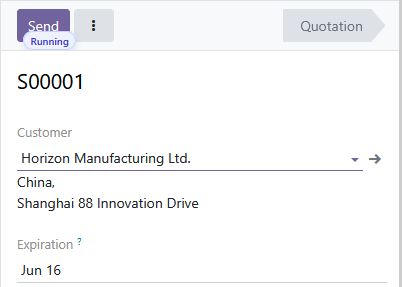
There are three states shown above. Clicking the subscript opens the corresponding workflow diagram.
After a workflow is enabled, the related button is automatically bound with the corresponding subscript without needing a refresh. When the workflow is running, clicking the button shows the corresponding prompt.
After rejection, the same workflow can still be initiated again. In history, this is shown as returned.
Status UI Display
No approval history.
No approval in progress.
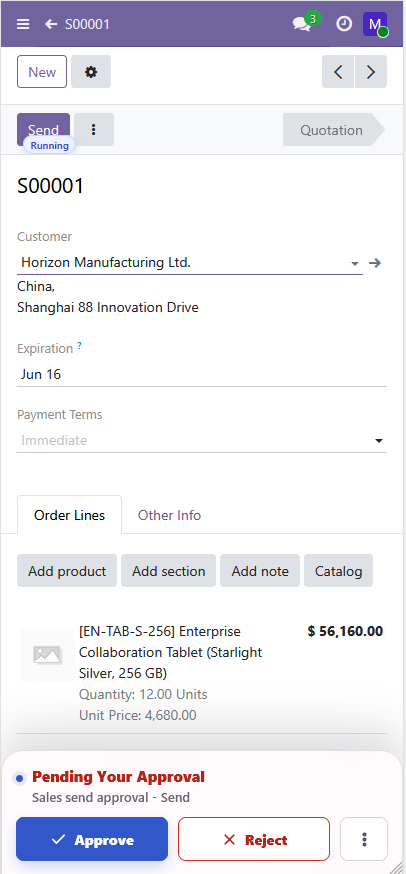
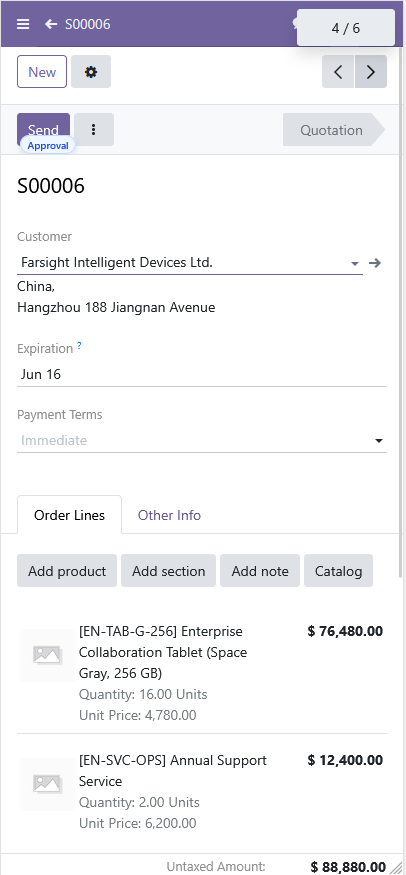
Has approval history.
Has approval in progress.
Has approval history.
No approval in progress.
Capsule Action Bar
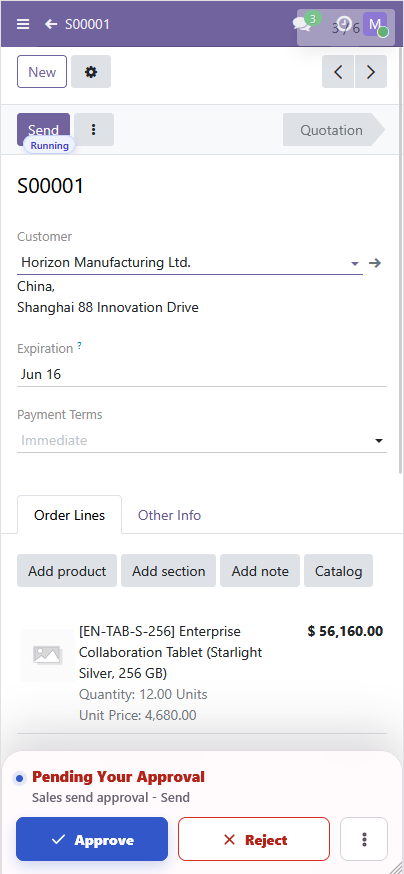
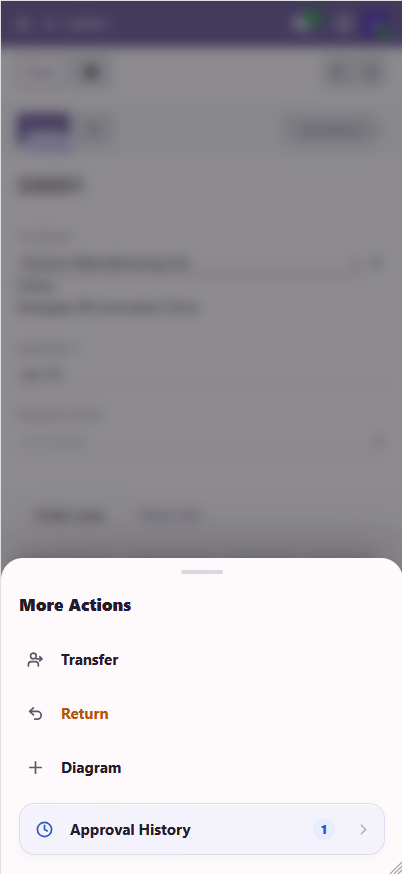
Transfer
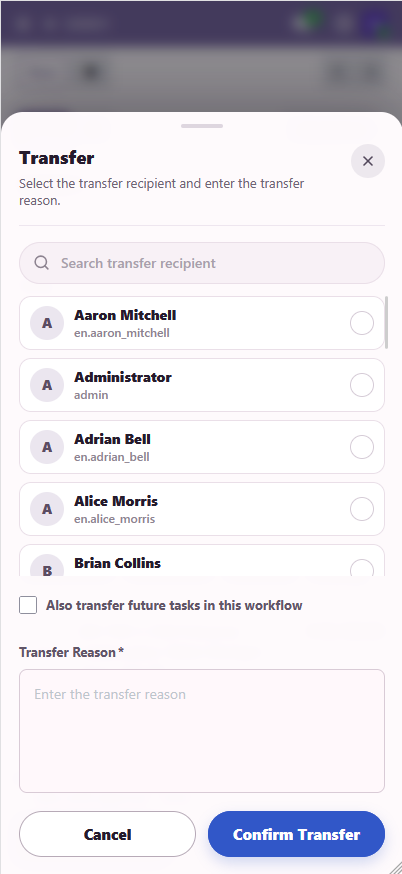
If "Also transfer subsequent tasks in the current workflow instance" is selected, subsequent tasks in the current workflow are also automatically transferred to the selected person.
Add Approver
Add someone to approve together.
When a countersignature node already has "Minimum Approvals" configured, adding an approver only adds the new approver to the current node's approver scope. It does not automatically increase the original passing threshold. In other cases, all approvers must approve before the approval is completed.
For example, if a countersignature node originally has three approvers and the minimum approvals value is 2, then even if another approver is added later, the system still determines node completion according to the rule "the node passes once 2 people approve." Here, adding an approver is closer to "expanding the people who can participate in approval at the current node" rather than forcing the newly added approver to approve. Therefore, if the business requires the added approver to participate in the decision, avoid setting the minimum approvals too low during workflow design, or clearly define in actual usage that adding approvers is used to supplement approval opinions, not to change the passing threshold of the current node.
Reject
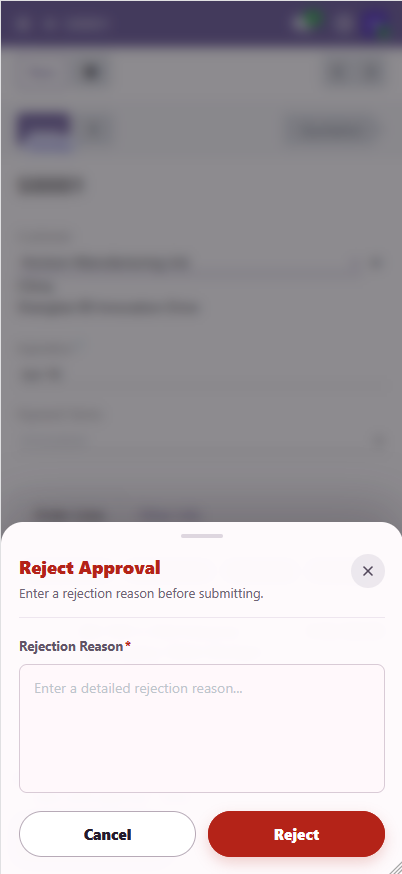
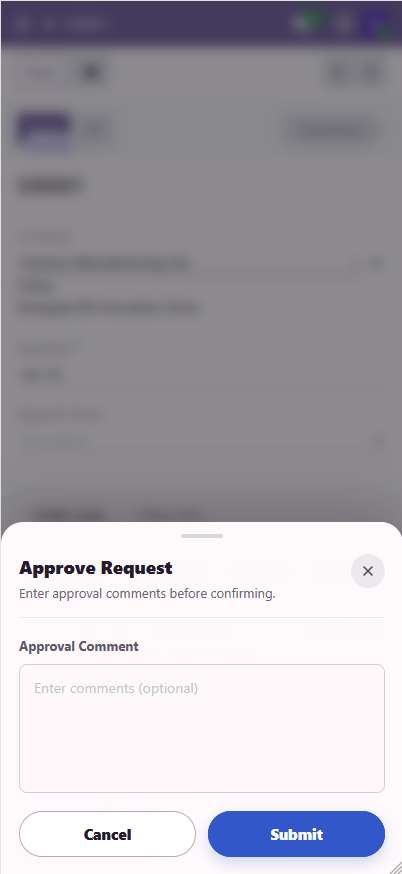
Approve
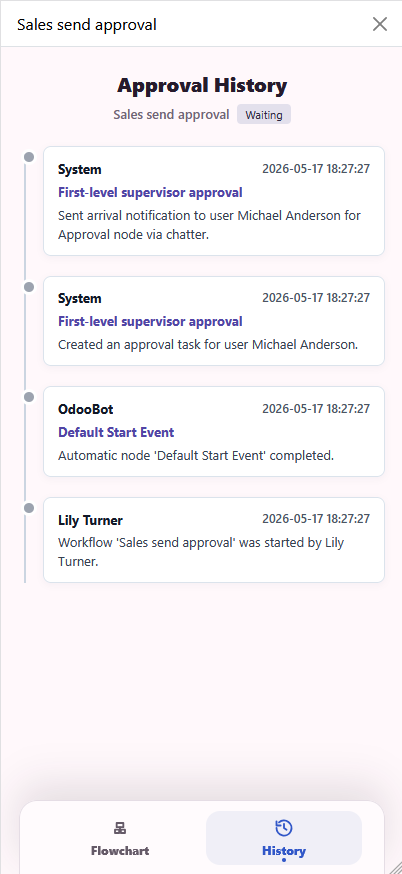
History
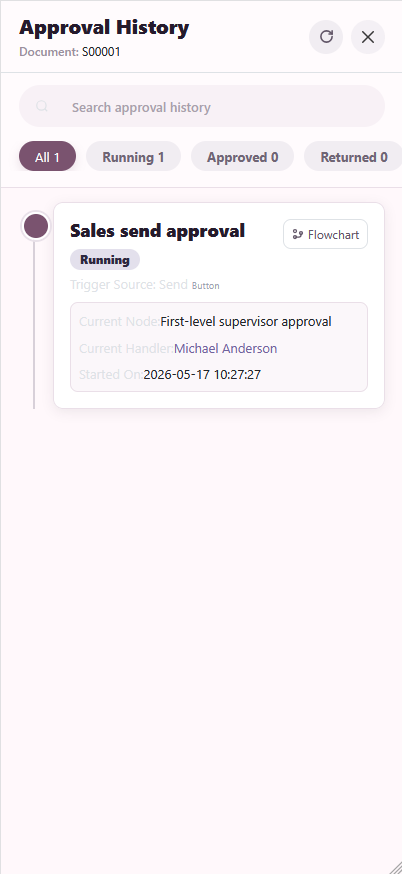
Search Box
Fuzzy search: historical approver and workflow name.
Workflow Diagram
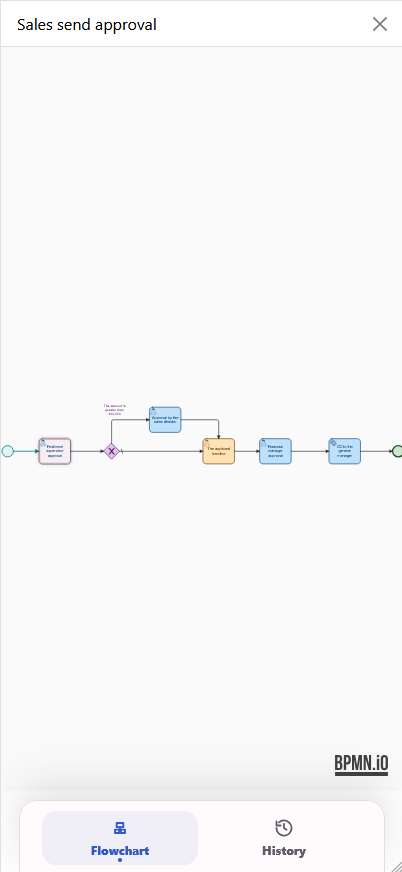
Supports one-finger drag and two-finger zoom.
Web
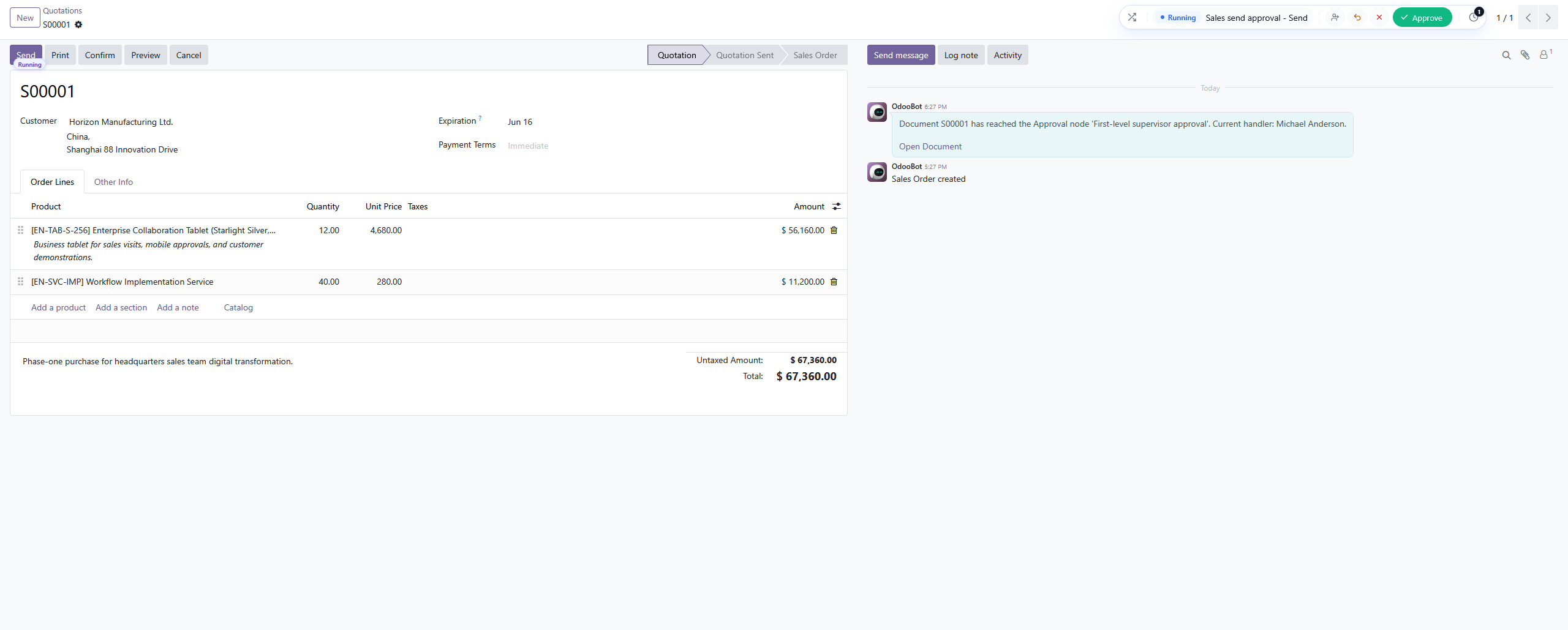
Buttons

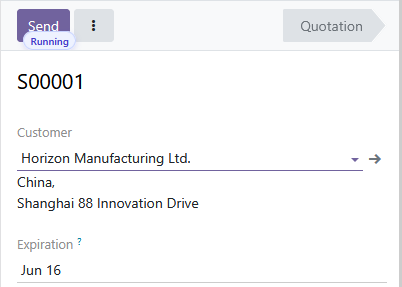
There are three states shown above. Clicking the subscript opens the corresponding workflow diagram.
After a workflow is enabled, the related button is automatically bound with the corresponding subscript without needing a refresh. When the workflow is running, clicking the button shows the corresponding prompt.
After rejection, the same workflow can still be initiated again. In history, this is shown as returned.
Capsule Action Bar

Transfer
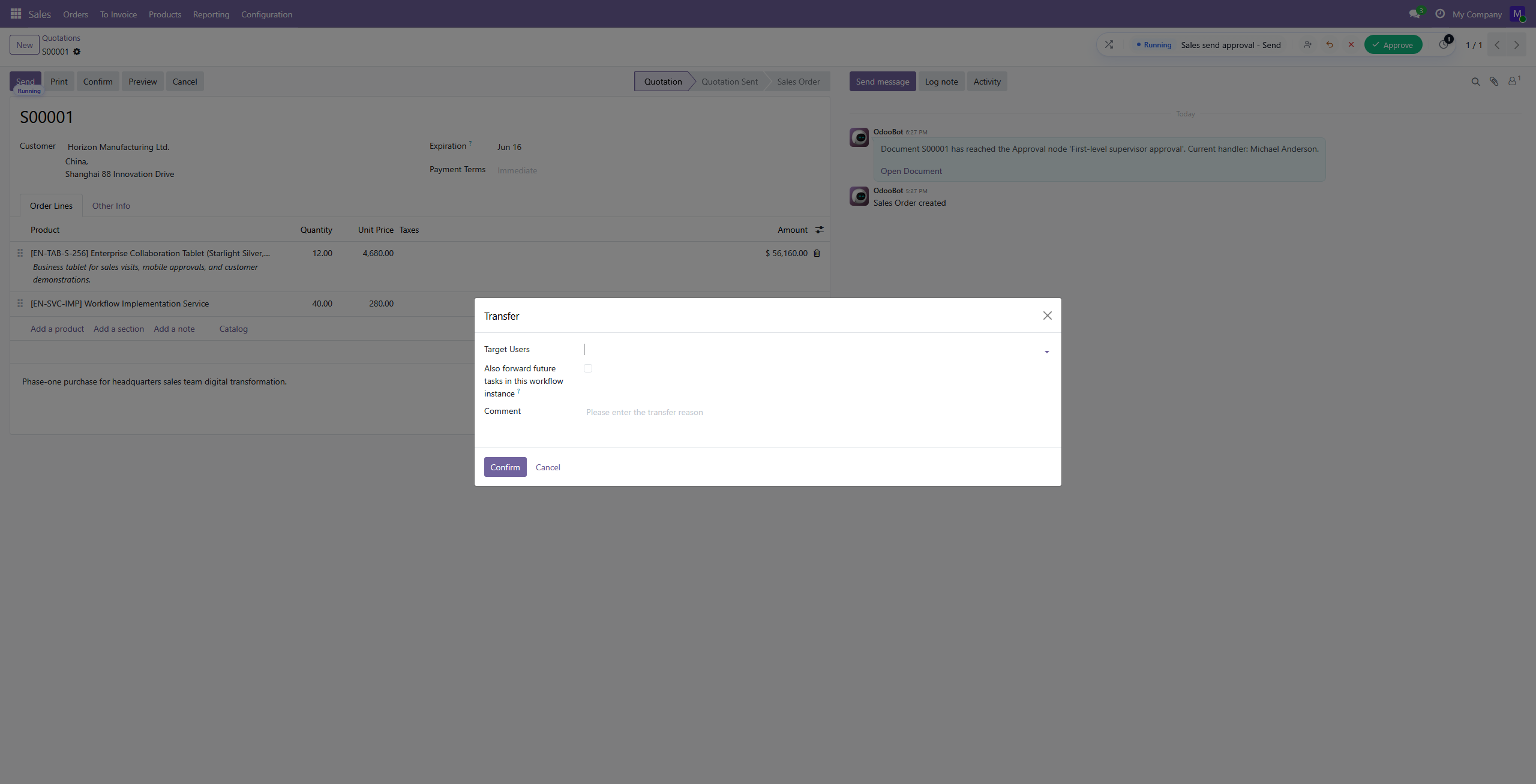
If "Also transfer subsequent tasks in the current workflow instance" is selected, subsequent tasks in the current workflow are also automatically transferred to the selected person.
Add Approver
Add someone to approve together.
When a countersignature node already has "Minimum Approvals" configured, adding an approver only adds the new approver to the current node's approver scope. It does not automatically increase the original passing threshold. In other cases, all approvers must approve before the approval is completed.
For example, if a countersignature node originally has three approvers and the minimum approvals value is 2, then even if another approver is added later, the system still determines node completion according to the rule "the node passes once 2 people approve." Here, adding an approver is closer to "expanding the people who can participate in approval at the current node" rather than forcing the newly added approver to approve. Therefore, if the business requires the added approver to participate in the decision, avoid setting the minimum approvals too low during workflow design, or clearly define in actual usage that adding approvers is used to supplement approval opinions, not to change the passing threshold of the current node.
Reject
No special notes.
Approve
No special notes.
History
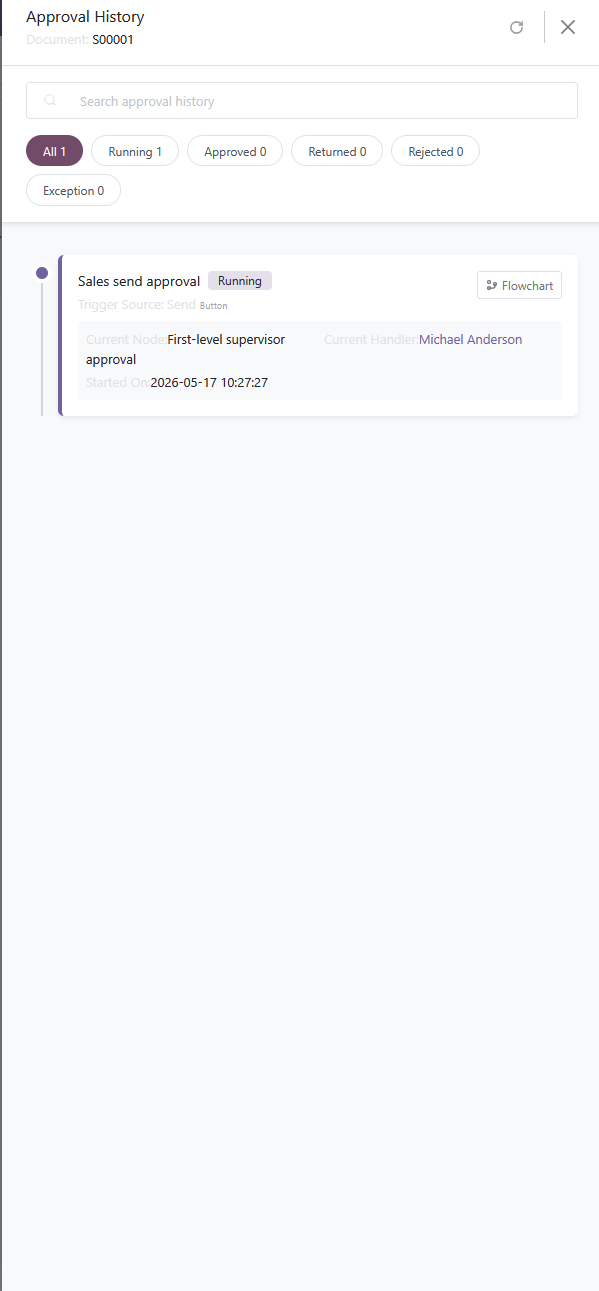
Search Box
Fuzzy search: historical approver and workflow name.
Workflow Diagram