Handling Node
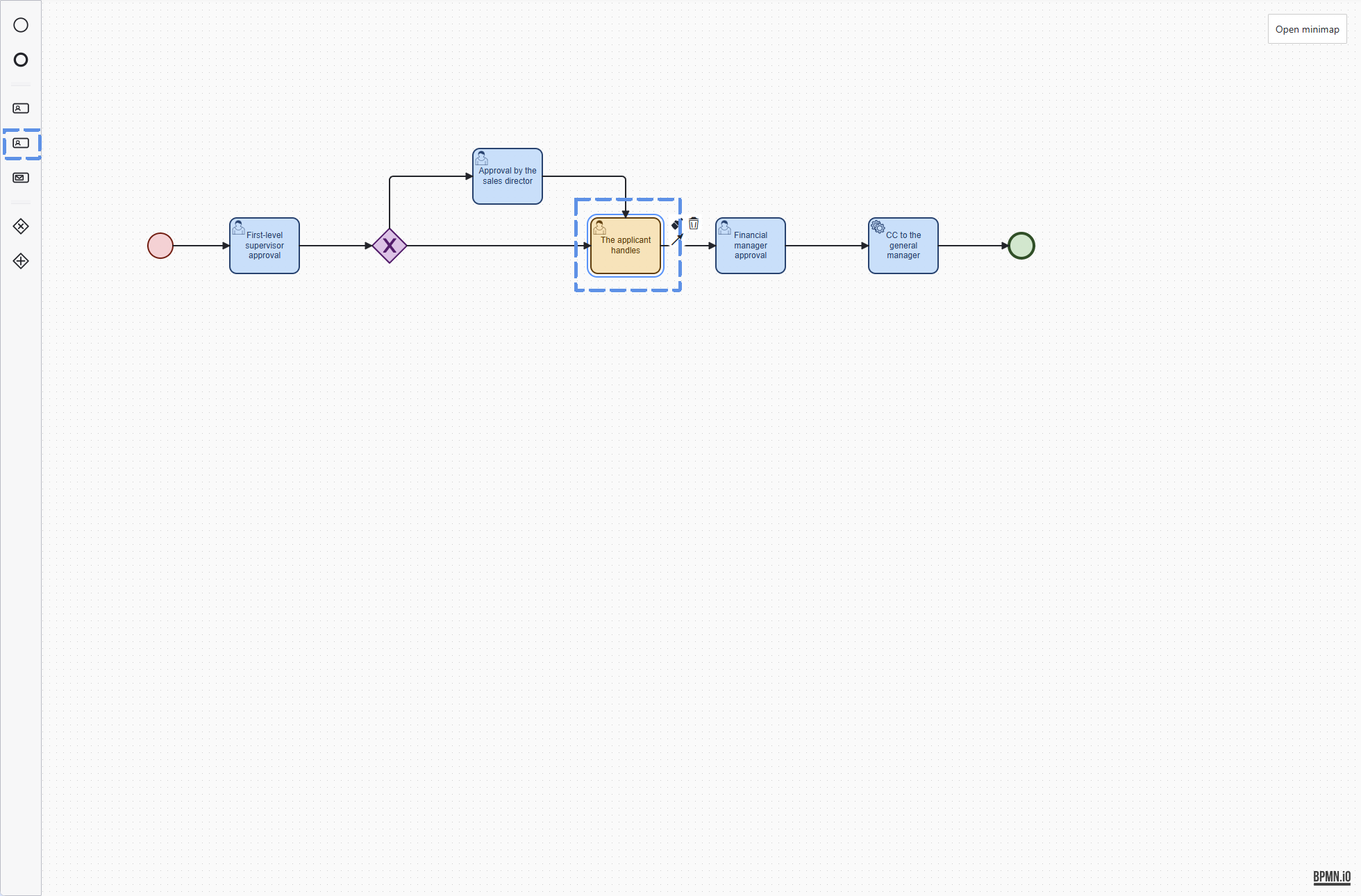
Handling Node
Basic Configuration
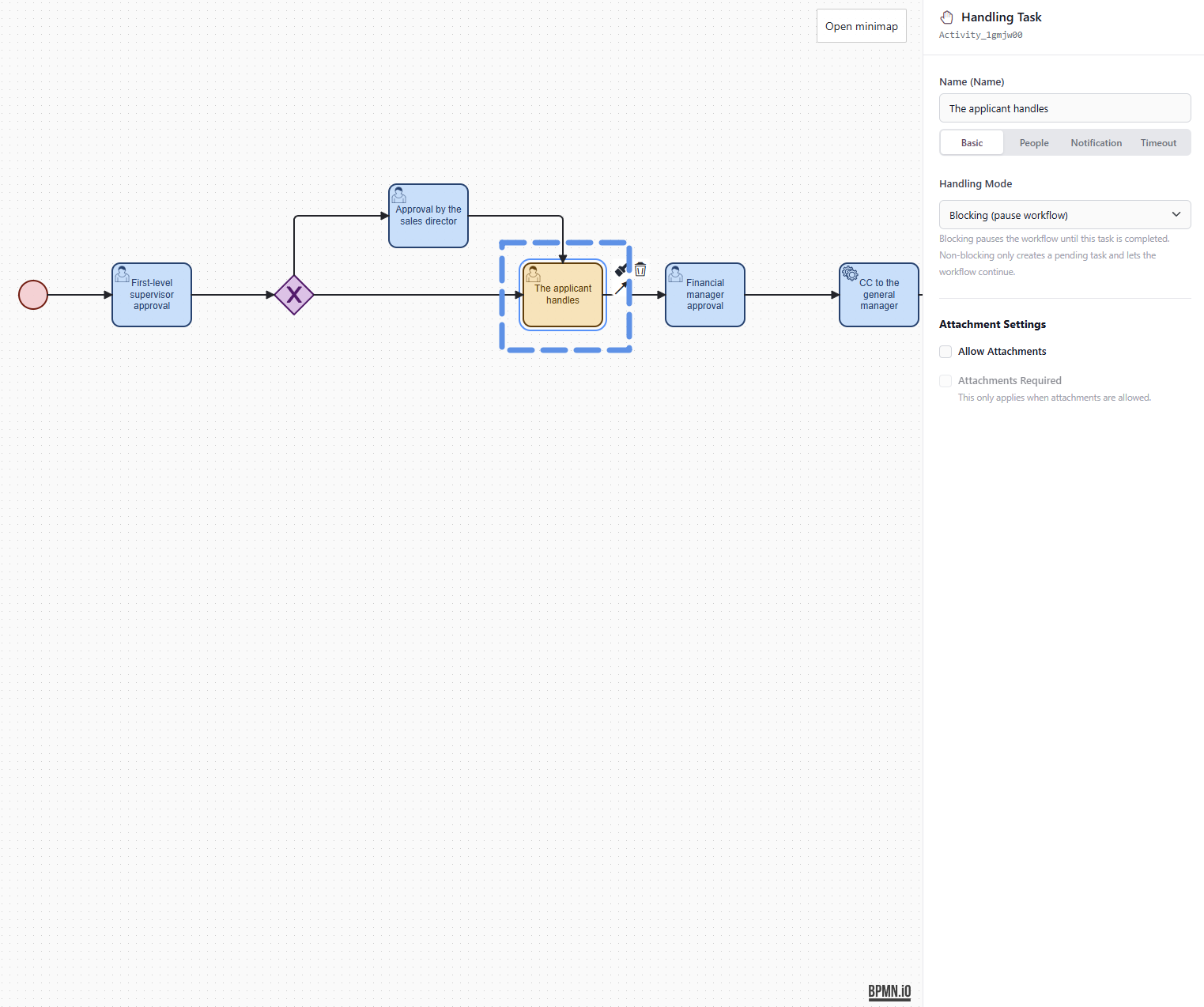
Name
"Name" identifies the current handling node. It also appears in the workflow diagram, handling tasks, workflow history, and pending task records.
Use a clear and specific name, for example:
- Applicant supplements materials
- Operations checks the order
- Finance registers payment
- Presales prepares the proposal
- Administration confirms the matter
Do not use only "Handle" or "Process"; otherwise, it will be hard to understand the business meaning of the current task when viewing workflow history later.
Handling Mode
The handling mode determines whether the current handling task blocks the workflow from continuing.
There are currently two modes: Blocking and Non-blocking.
Blocking Handling
Blocking handling means that when the workflow reaches this node, a handling task is created first and the workflow pauses here.
The workflow continues only after the handler completes the task.
Suitable scenarios:
- Later approval depends on the current handling result.
- The applicant must supplement materials first.
- Finance must register payment information first.
- Operations must check order contents first.
- Administration must confirm that offline handling has been completed.
Example:
During sales order approval, operations must first check customer information and order details.
Only after operations completes the handling task can the workflow enter finance approval.
In this case, Blocking Handling should be selected.
Non-blocking Handling
Non-blocking handling means that when the workflow reaches this node, a handling task is created, but the workflow does not wait for the task to be completed.
The handling task remains in the handler's pending tasks, while the main workflow continues to move forward.
Suitable scenarios:
- The task needs to be recorded, but it does not affect the main workflow.
- It is only a reminder for someone to follow up later.
- Materials need to be prepared in parallel.
- An assistant needs to add remarks.
- A matter unrelated to the main approval path needs to be arranged.
Example:
After contract approval is passed, operations needs to archive the contract.
The archiving task should be recorded, but it should not block the entire approval workflow from ending.
In this case, Non-blocking Handling can be selected.